What is a Network Technician?
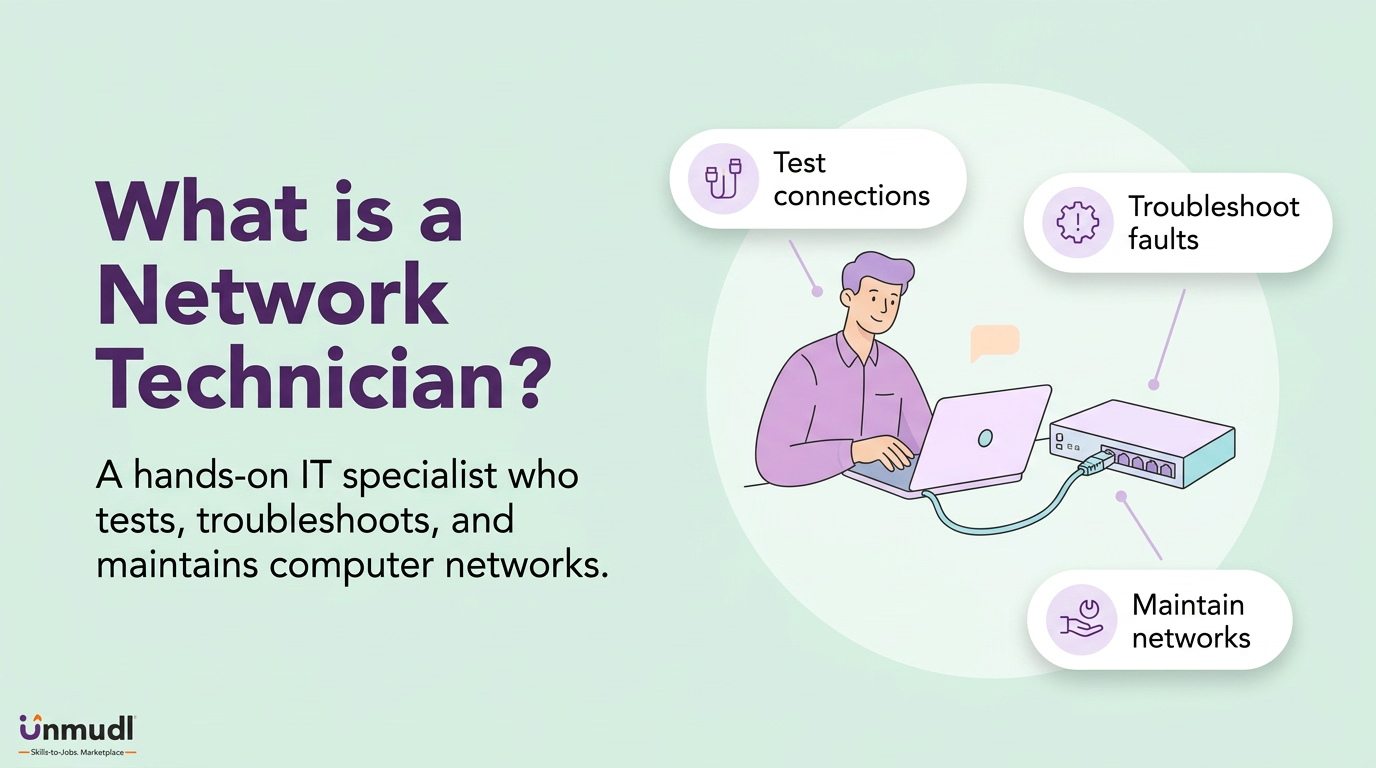
A network technician is a computer network support specialist who analyzes, tests, troubleshoots, and evaluates existing network systems and performs the maintenance that keeps them operating. A network technician works on equipment that already exists, including routers, switches, cabling, servers, and firewalls. Network design and broad system administration fall outside the boundary of that equipment. The boundary places the occupation among the reported job titles of computer network support specialists in the Occupational Information Network (O*NET) database. The database records 152,700 workers in the occupation in 2024.
Computer network technician schools are the community colleges and technical institutes that prepare a candidate through a certificate or an associate degree. Both routes align their coursework with the CompTIA Network+ exam. The exam tests a skill set that is applied in daily tasks, and the tasks define what the worker does.
What does a Network Technician do?
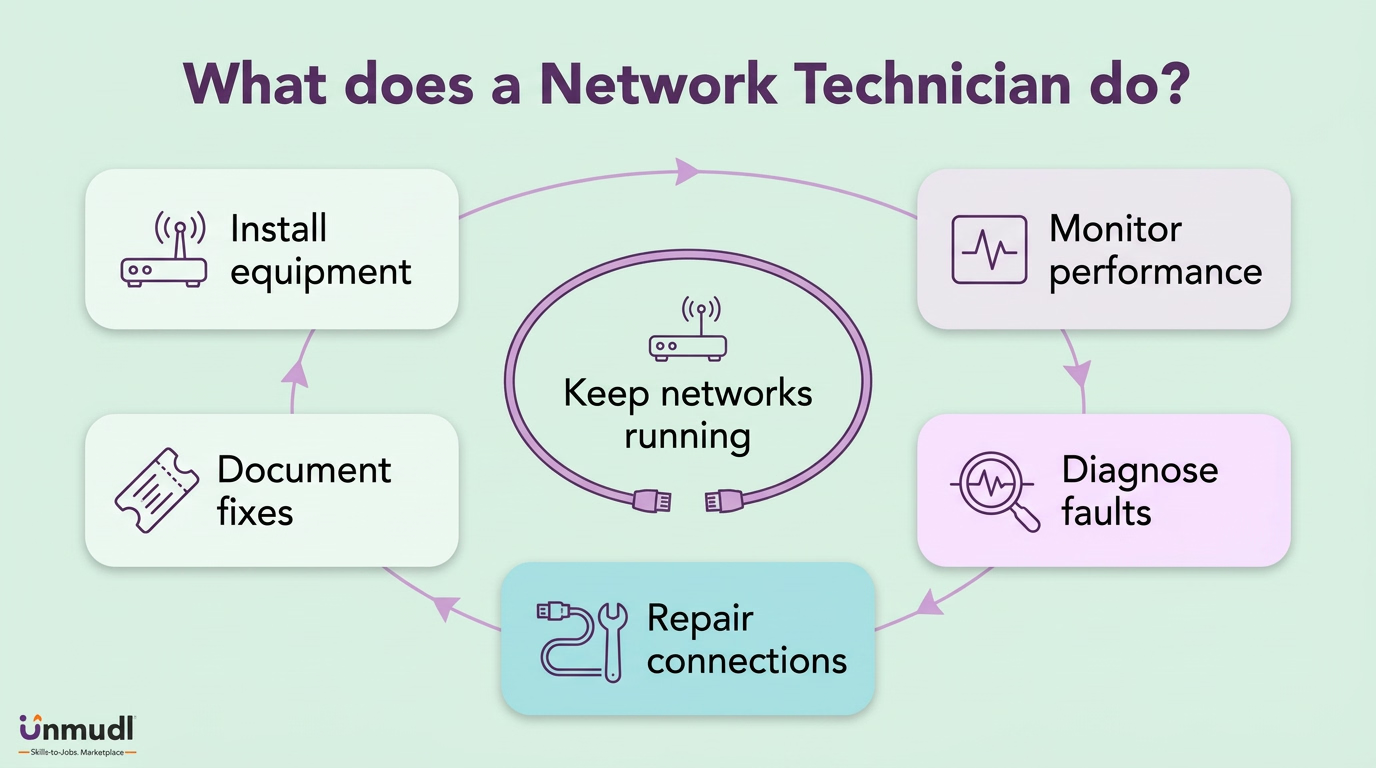
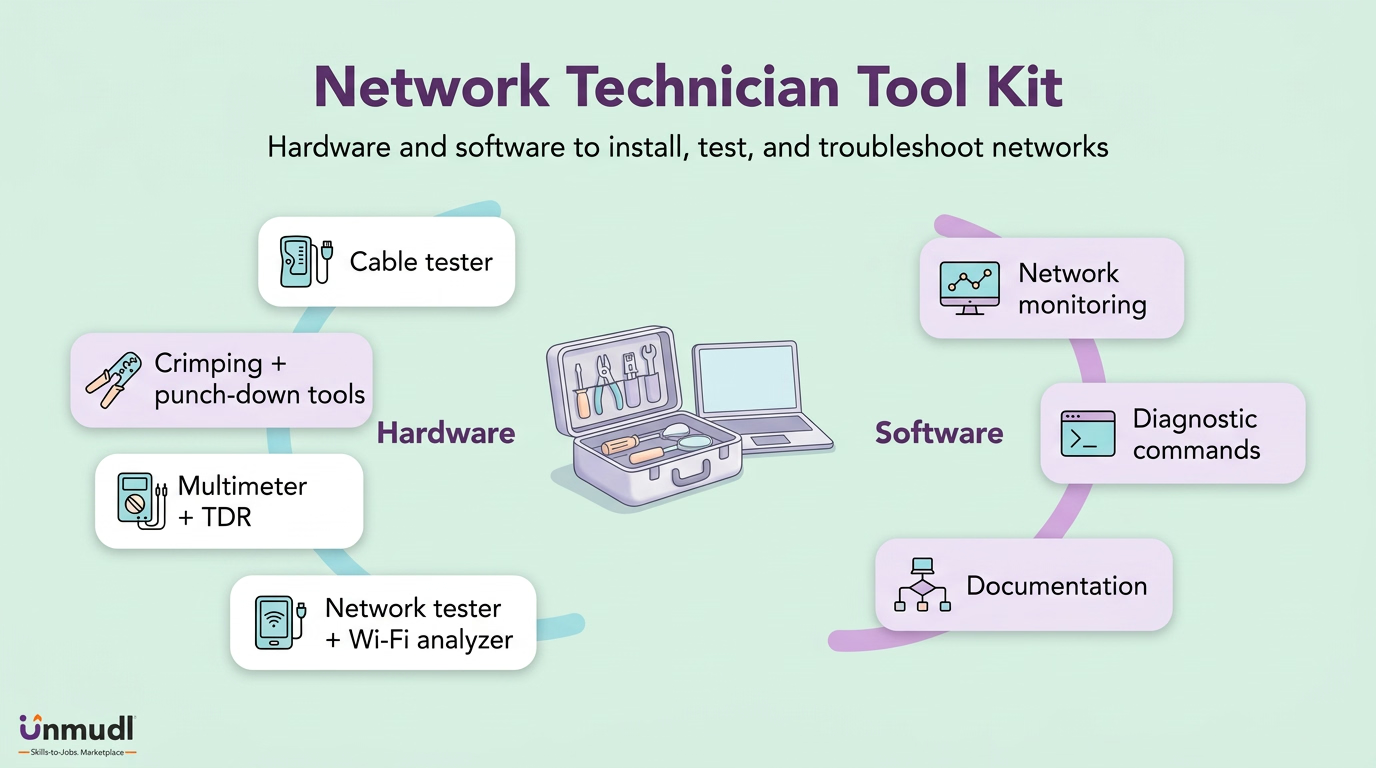
A network technician works by keeping a company's network available through installation, monitoring, fault diagnosis, repair, and documentation. The installation step places routers, switches, wireless access points, and cabling into service. The monitoring step watches those devices for slow links and dropped segments. A dropped segment triggers diagnosis. Diagnosis uses ping, traceroute, a cable tester, or a packet analyzer such as Wireshark to isolate the failure. The isolated failure is repaired by replacing a cable, swapping a switch, or correcting a router setting. The repair is recorded in a support ticket, so the next fault is diagnosed faster. This cycle is the daily shape of a career in networking at the technician tier, and the tier is divided into six specialisms.
What are the Types of Network Technician?
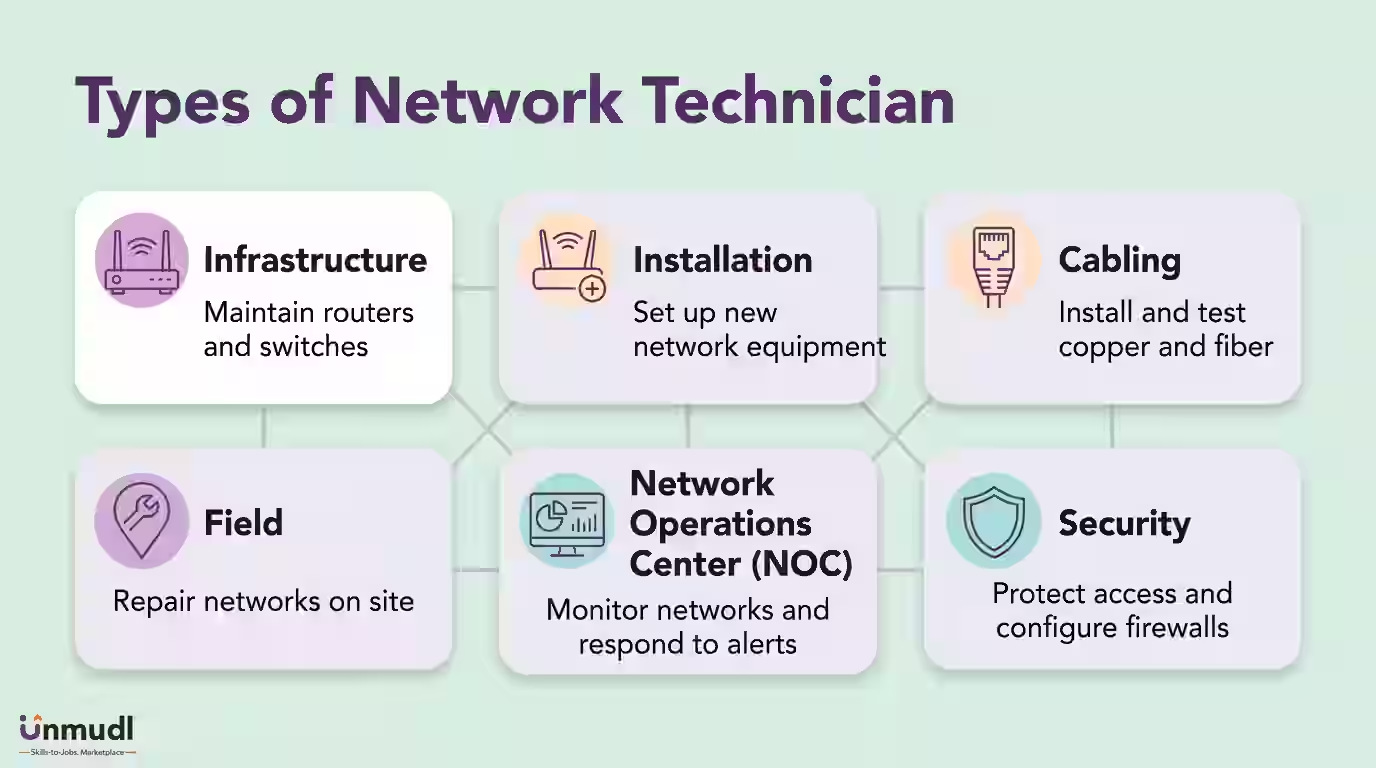
There are six main types of network technician based on the part of the network the worker is responsible for. The types are network infrastructure technician, network installation technician, network cabling technician, network field technician, network operations center (NOC) technician, and network security technician.
1. Network Infrastructure Technician
A network infrastructure technician is a specialist who maintains the core hardware that carries an organization's traffic, including core switches, routers, and racks. The core hardware is kept in service through firmware updates, port configuration, and unit replacement. Replacing one failed core unit restores every downstream connection at once. Employers staff this type first when a network is built.
2. Network Installation Technician
A network installation technician is a worker who places new network equipment into service at a site. Switches, access points, and patch panels are mounted, powered, connected, and tested before handover. Testing before handover prevents a fault from reaching users on the first day. Employers hire this type during office moves and branch openings.
3. Network Cabling Technician
A network cabling technician is a tradesperson who runs, terminates, and certifies the copper and fiber cabling beneath every connection. Cabling is pulled through ceilings, terminated on jacks with a punch-down tool, and certified with a cable tester. Certified cabling removes the physical layer from later troubleshooting. Employers contract this type for new buildings and large refits.
4. Network Field Technician
A network field technician is a traveling role that installs and repairs equipment at customer or branch locations. On-site work covers router swaps, wireless fixes, and outage response at sites without local IT staff. Local presence shortens the time between a fault report and its repair. Employers deploy this type across service territories and multi-site companies.
5. Network Operations Center (NOC) Technician
A network operations center (NOC) technician is a console-based position that watches an entire network from a central room and responds to alerts. Alerts from monitoring software such as Nagios flag a downed link or an unreachable device. A flagged device is escalated, ticketed, or reset remotely before users notice the loss. Employers run this type in shifts for around-the-clock coverage.
6. Network Security Technician
A network security technician is a protective role that configures the firewalls, access permissions, and security software guarding a network. Configuration of access permissions decides which users and devices reach which segments. Segmented access limits the spread of a breach. Employers place this type wherever regulated data crosses the network.
The table below sets the six types against the hardware each one owns and the moment an employer staffs it.
Type | Equipment owned | When employers staff it |
|---|---|---|
Network infrastructure technician | Core switches, routers, and racks | When a network is built |
Network installation technician | Switches, access points, and patch panels at a new site | During office moves and branch openings |
Network cabling technician | Copper and fiber cabling, jacks, and patch panels | For new buildings and large refits |
Network field technician | Routers and wireless equipment at customer or branch sites | Across service territories and multi-site companies |
NOC technician | Monitoring console and alerting software such as Nagios | In shifts for around-the-clock coverage |
Network security technician | Firewalls, access permissions, and security software | Wherever regulated data crosses the network |
Shared ground | One set of six core duties, whichever hardware the type owns | At every network expansion, under every employer |
Reading the six types by the equipment each one owns lets a candidate choose a specialism, and every specialism shares one set of core duties.
What are the Duties of Network Technician?
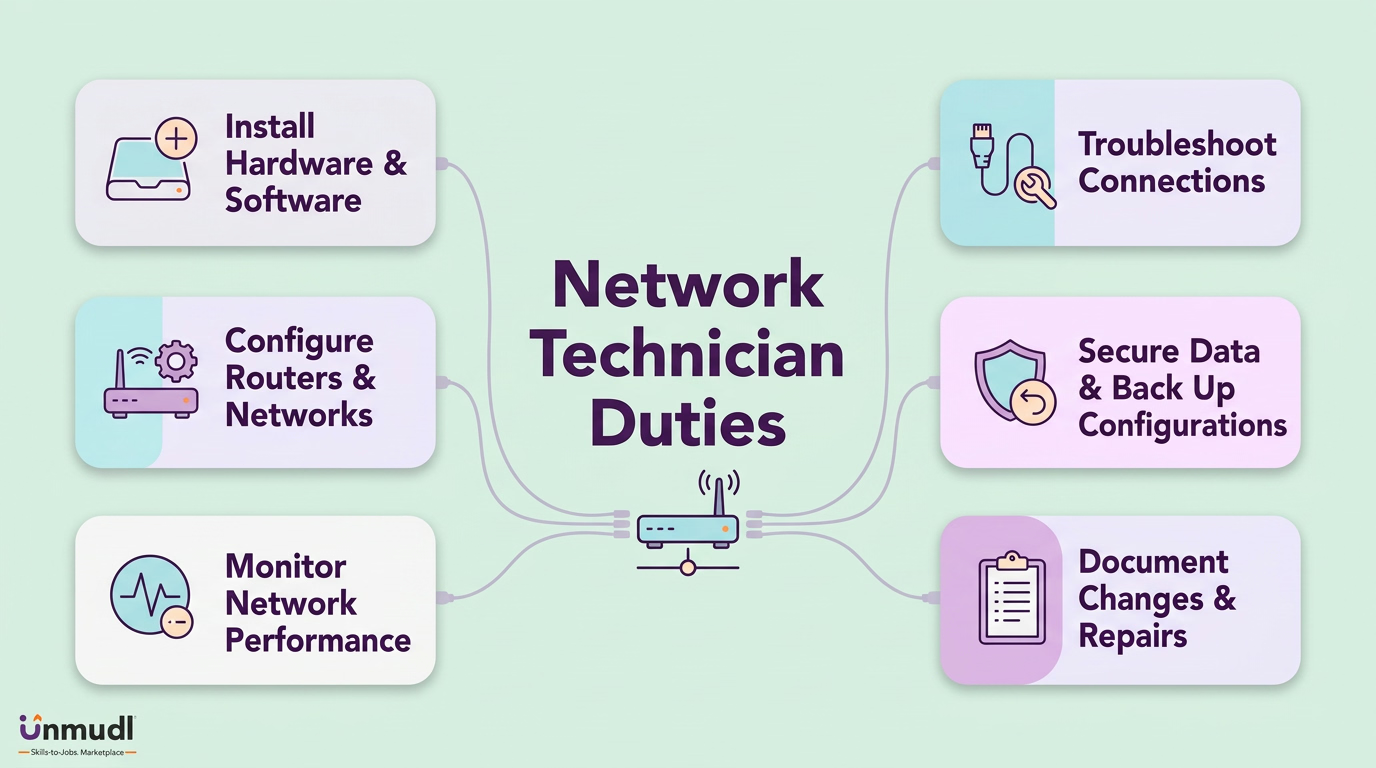
There are six main duties of a network technician. The duties are installing network software and hardware, configuring routers and LAN or WAN equipment, monitoring network performance, troubleshooting connectivity problems, securing and backing up network data, and documenting network support activities.
1. Installing Network Software and Hardware
Installing network software and hardware is the duty of putting new devices and programs into a live network without disrupting it. A new device is racked, addressed, and patched. A new program, such as firewall software, is loaded during a maintenance window. The maintenance window keeps users connected while the change lands. Supervisors assign this duty at every network expansion.
2. Configuring Routers and LAN or WAN Equipment
Configuring routers and LAN or WAN equipment is the task of setting the addresses, routes, and virtual local area networks (VLANs) that decide where traffic flows. Each setting is entered through a console and saved to the device. A saved configuration is copied to a file, so a failed device is rebuilt from the file. Supervisors review this task because one wrong route isolates a whole site.
3. Monitoring Network Performance
Monitoring network performance is the responsibility of watching link speed, latency, and device health for early signs of failure. Monitoring software polls every switch and router and charts the results. A charted spike in latency reveals a saturated link before the link drops. Supervisors expect this responsibility to catch a fault before a user reports it.
4. Troubleshooting Connectivity Problems
Troubleshooting connectivity problems is the job of finding the single cause behind a lost or slow connection and removing it. The search moves layer by layer, from cable to port to address to route, until the fault is isolated. An isolated fault is fixed once, whereas an unisolated fault returns. Supervisors measure this job by time to restore service.
5. Securing and Backing Up Network Data
Securing and backing up network data is the practice of setting access permissions, applying security updates, and copying device configurations to a safe location. Access permissions keep unauthorized users off restricted segments. A current backup turns a hardware failure into a short restore instead of a rebuild. Supervisors audit this practice against a fixed schedule.
6. Documenting Network Support Activities
Documenting network support activities is the work of recording every installation, change, and repair in a ticket, log, or network diagram. The record names the device, the change, the date, and the result. A named result lets the next worker trace a fault to its last change. Supervisors treat this work as the memory of the network.
Performing the six duties well is the groundwork of a network engineer career path, and the ground where the duties are performed varies by employer.
Where Does a Network Technician Work?
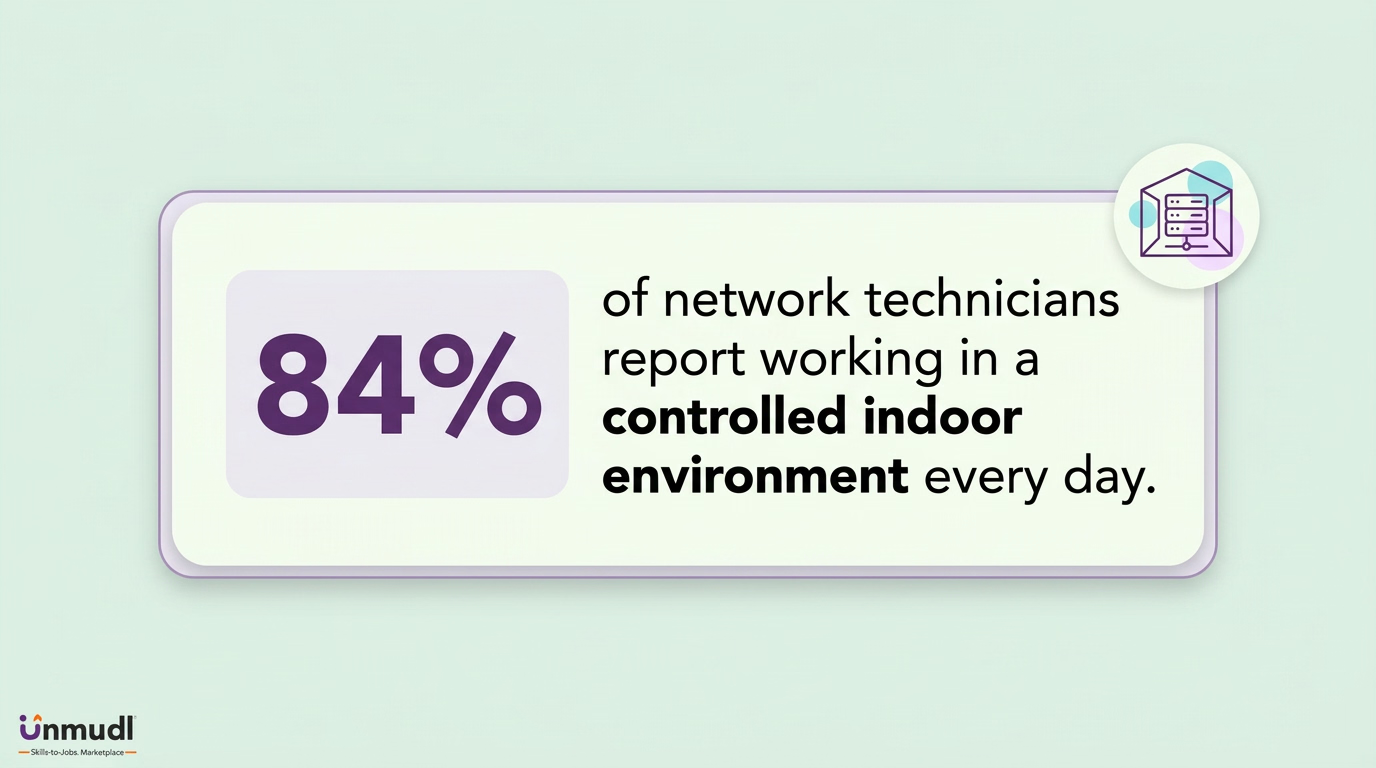
A network technician is based in the offices, wiring closets, server rooms, and data centers of any organization that runs a network. The organization is most often a computer systems design firm or a telecommunications company. Employment of the role is concentrated indoors, since 84 percent of its workers in BLS work-context data report a controlled indoor environment every day. The indoor environment splits into on-site tasks and remote tasks. On-site tasks include cable termination, switch replacement, and rack installation at the equipment. Remote tasks include router configuration, performance monitoring, and telephone support, which a network support technician performs from a help desk or a NOC console. A telecom employer places the worker in field sites, while a school district places the worker in school buildings. Every one of those workplaces is entered through the same five-step route from training to hire.